
Description
Late fees are never about money — they’re about memory. Put every bill’s due day in one grid, tick as you pay, and nothing slips again.
Inside the template — tab by tab
- Start Here — two-minute setup for Excel or Google Sheets.
- Bills — 25 recurring bills with category, amount, due day, autopay flag, payment method and notes. A snapshot panel totals what’s due 1st–15th vs 16th–31st, and what’s on autopay vs paid manually (that’s where late fees live).
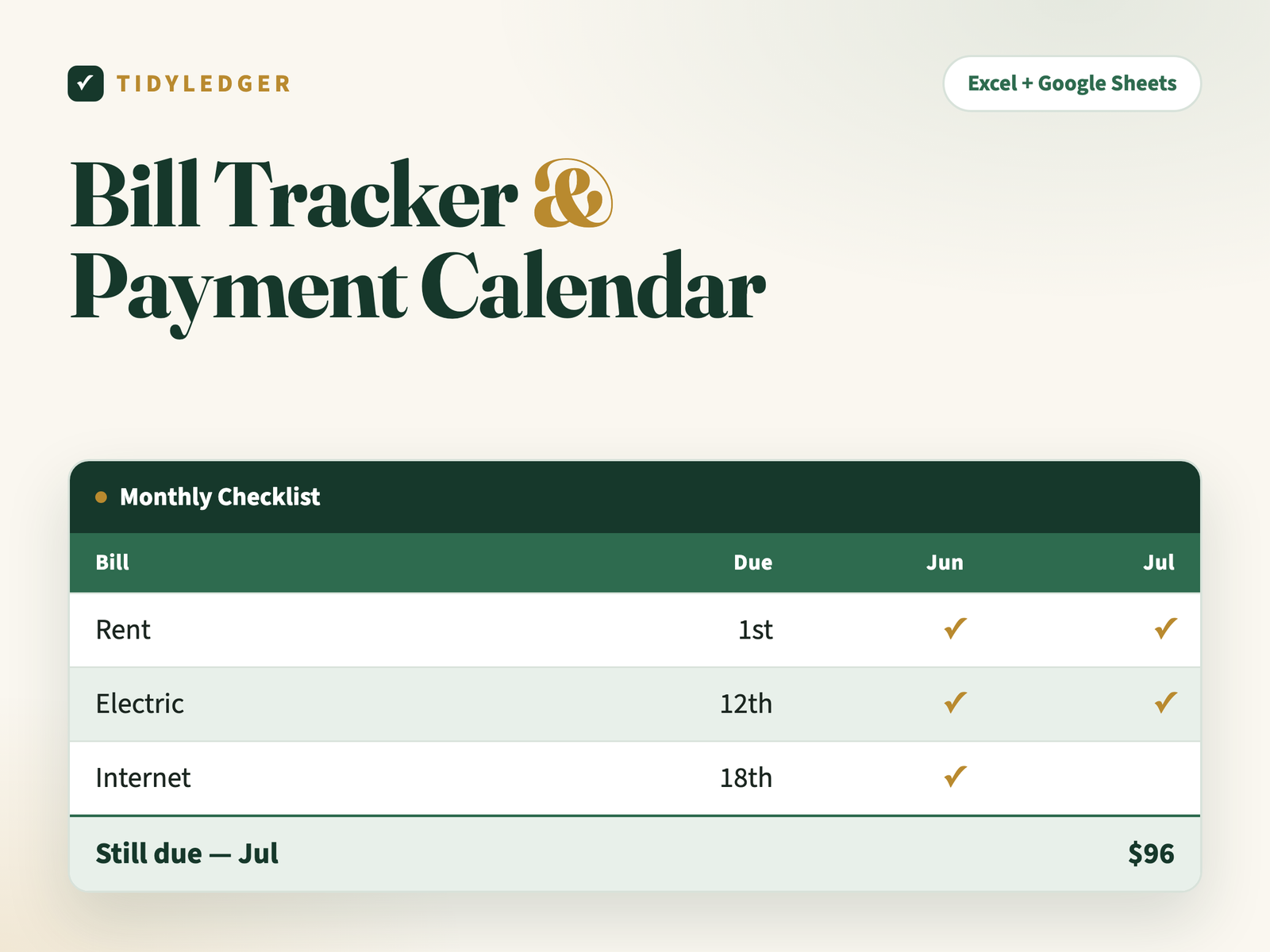
- Monthly Checklist — your bills × 12 months as a tick grid, fed automatically from the Bills tab. Each month totals paid vs still-due on its own.
- Payment Log — a 100-row receipts trail with dates, amounts and confirmation numbers, plus year-to-date paid per bill.
Why it works
Fill the Bills tab once; the other two tabs build themselves. Then it’s a five-minute Sunday glance at one column — cheaper than any $35 late fee.
The details
- Format: Excel (.xlsx) — imports into free Google Sheets in two clicks (step-by-step instructions included)
- In your download: the spreadsheet, a Quick-Start PDF, a README and the personal-use license
- Delivery: instant download after checkout plus an email link — unlimited re-downloads, links never expire
- Works on: Excel 2016 or newer (Windows & Mac), Excel for the web, and Google Sheets. No macros, nothing to install.
- One rule: type only in white cells — green-tinted cells calculate themselves
- Guarantee: 30-day fix-or-refund. Reply to your order email; a human answers within 24 hours.

Reviews
There are no reviews yet.